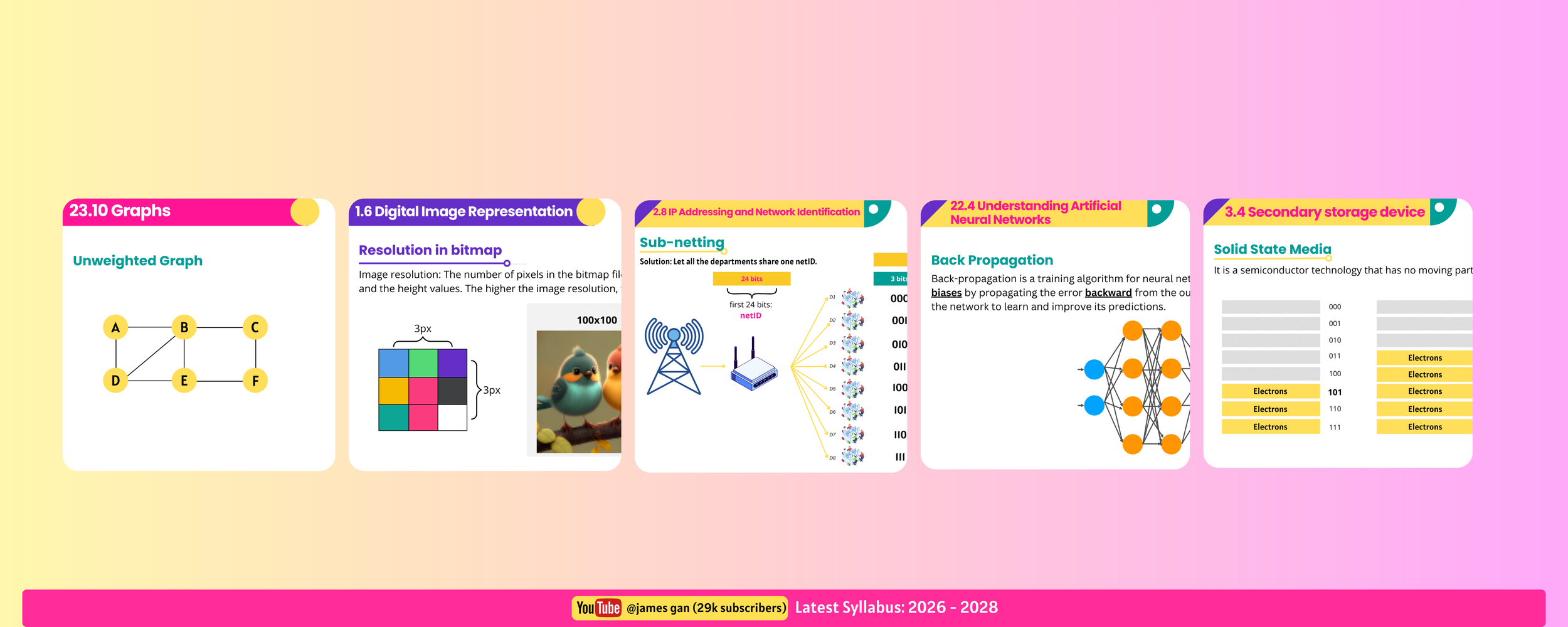
✅ Everything you need to teach
A level Computer Science (9618), ready to use
No More Weekend Slide Prep!
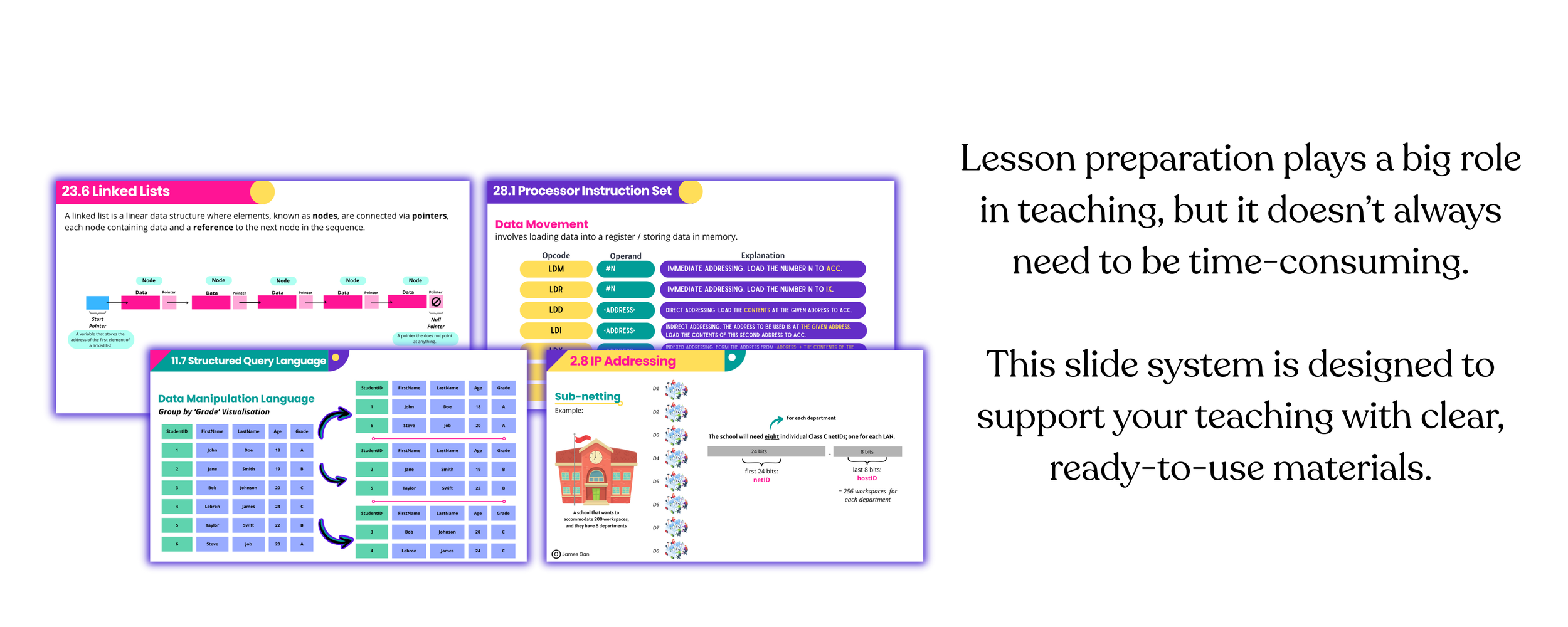
A complete, ready-to-use slide system for teaching A Level Computer Science, designed to help teachers teach with clarity and confidence.
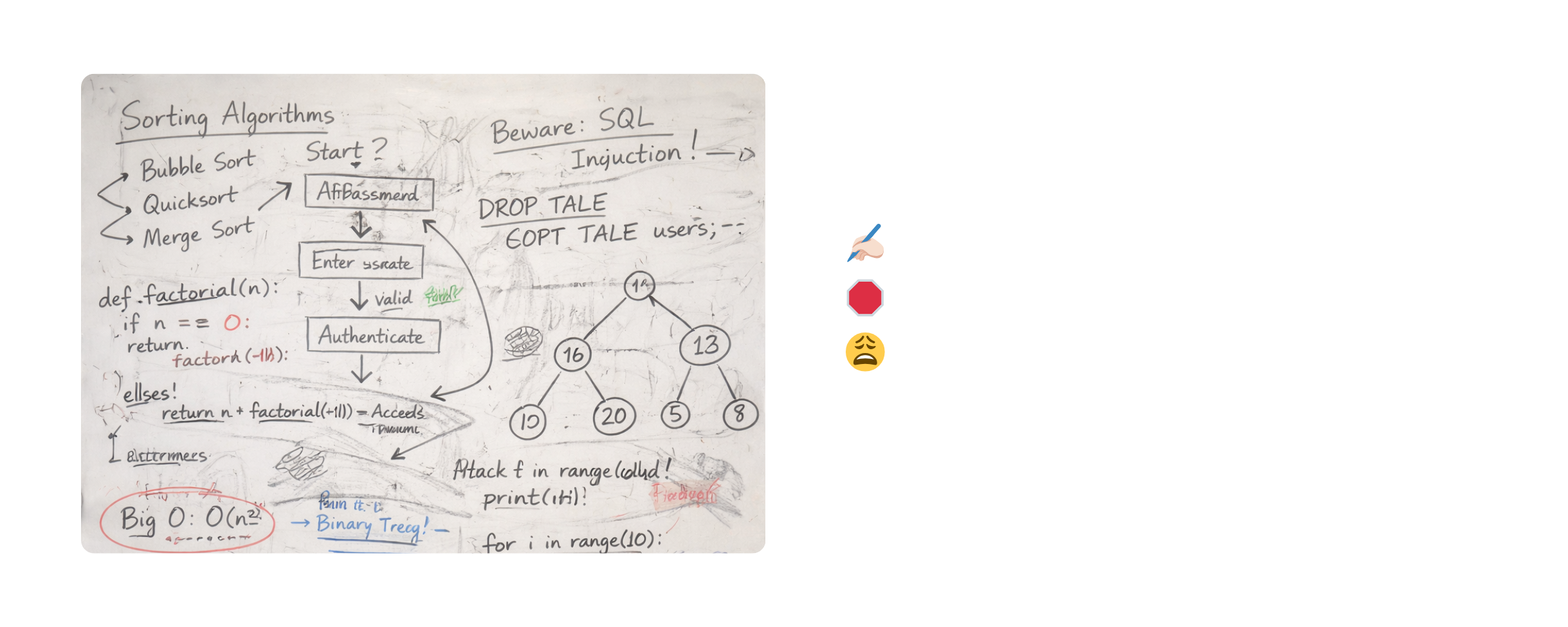
❌ Teaching with the whiteboard has natural limits
❌ Making your own slides takes more time than expected

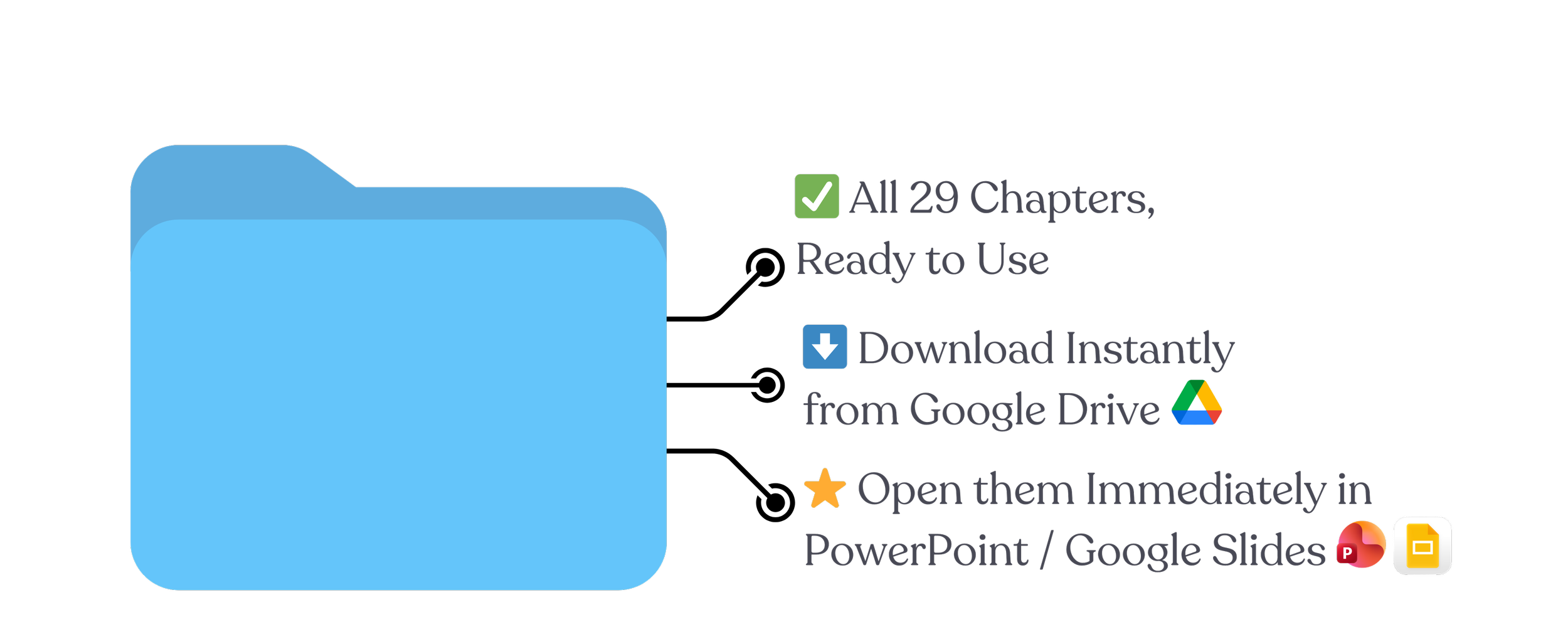
✅ A complete slide system, ready to use

Donal MacKinnon
Head of Computing
Malvern College Egypt
“James’s carefully crafted slides provide an excellent backdrop and point of focus for my lessons. They are well-presented, and the students find them engaging, easy to follow, and perfectly aligned with the curriculum. If you are looking for high-quality resources, I couldn’t recommend James’s slides more highly.“
Preview the slides here!




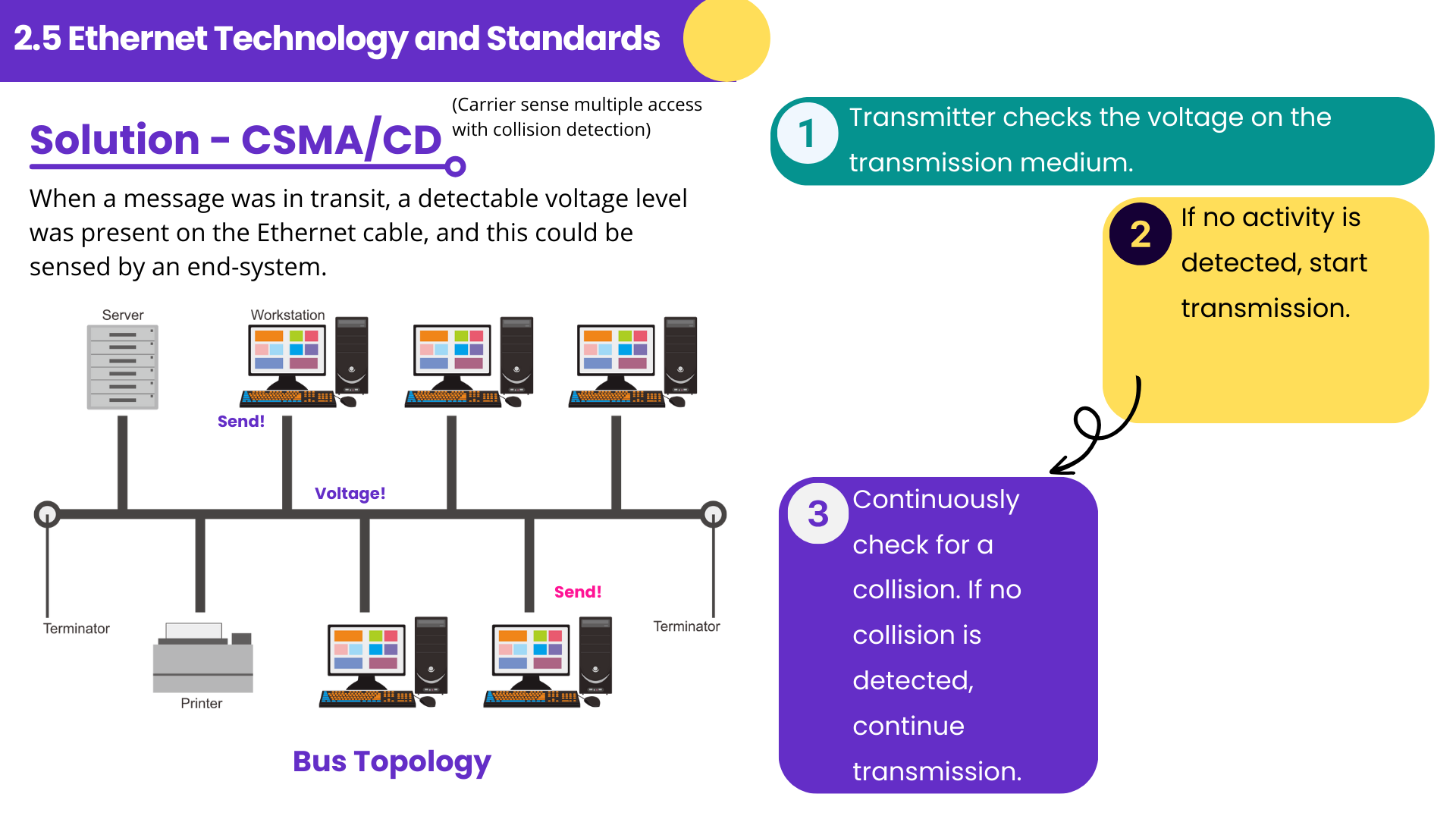

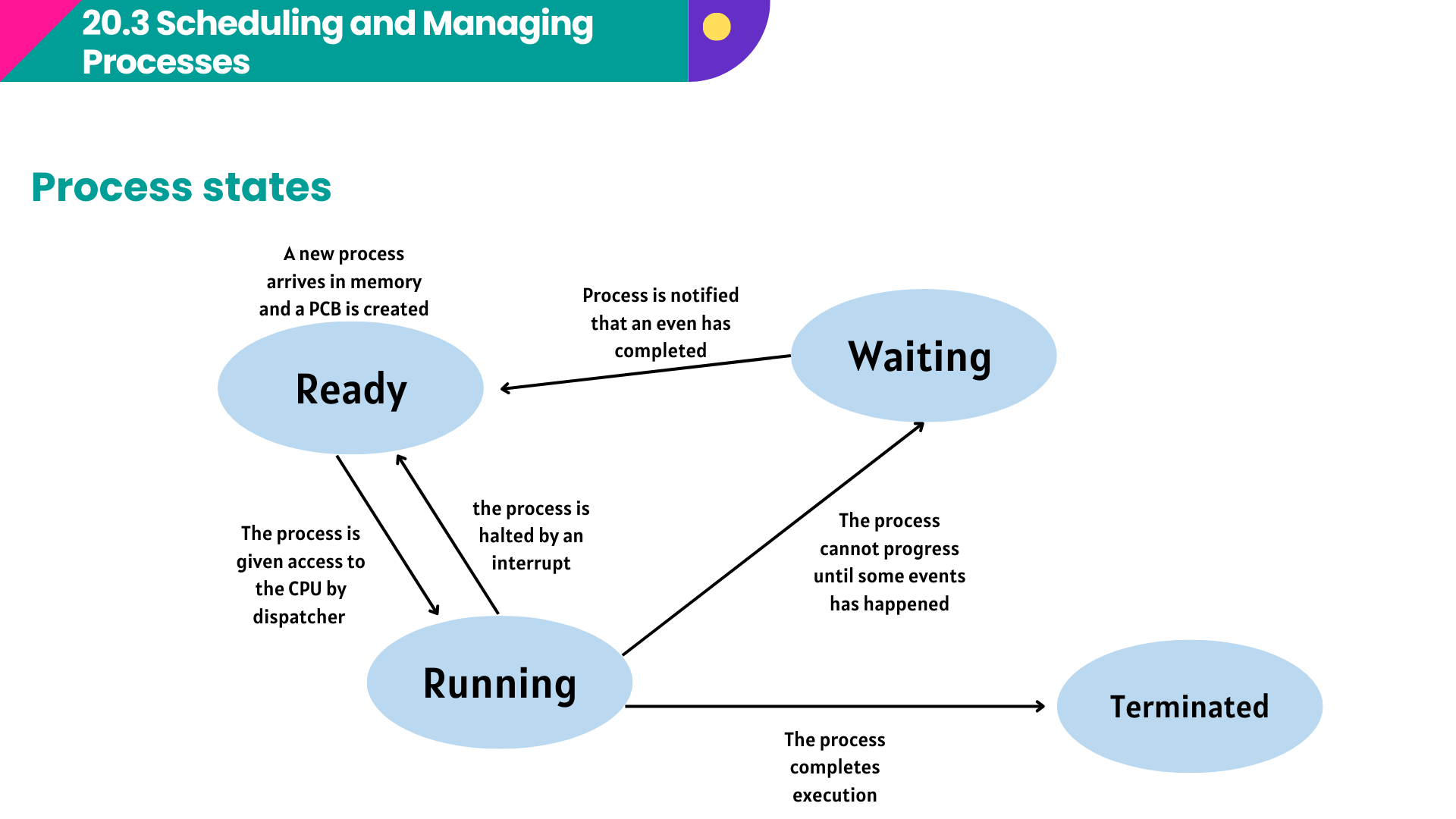
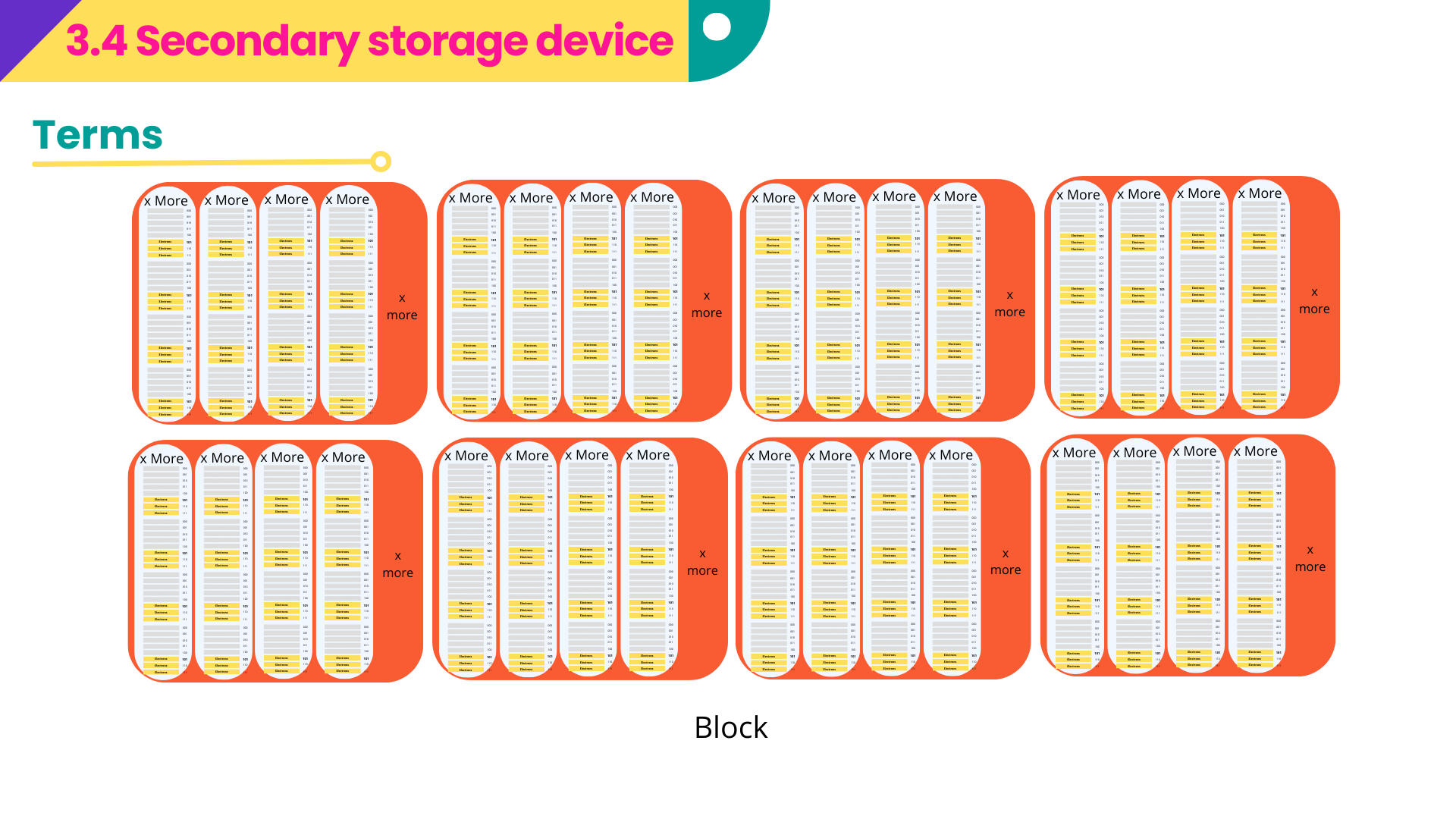
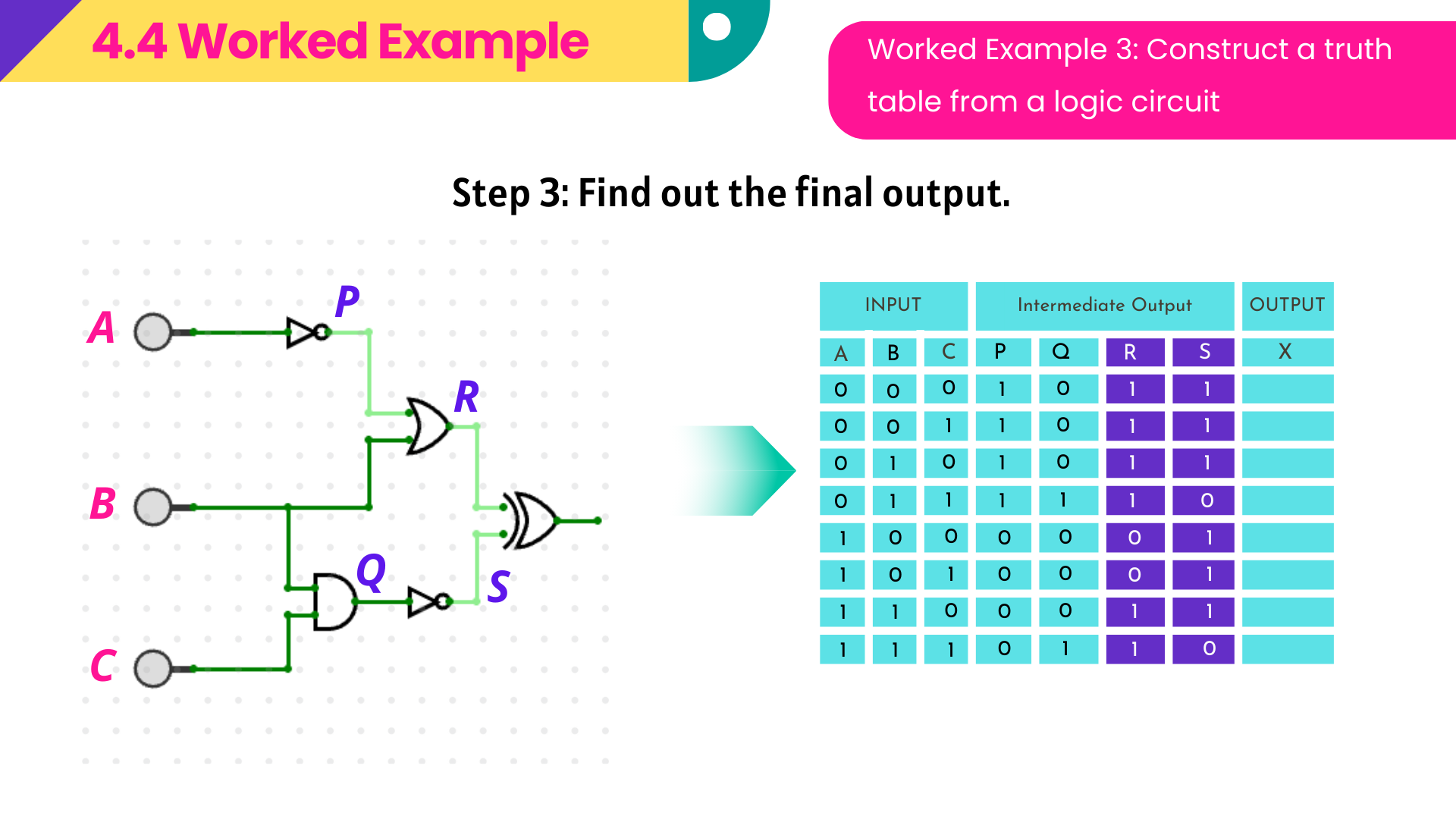
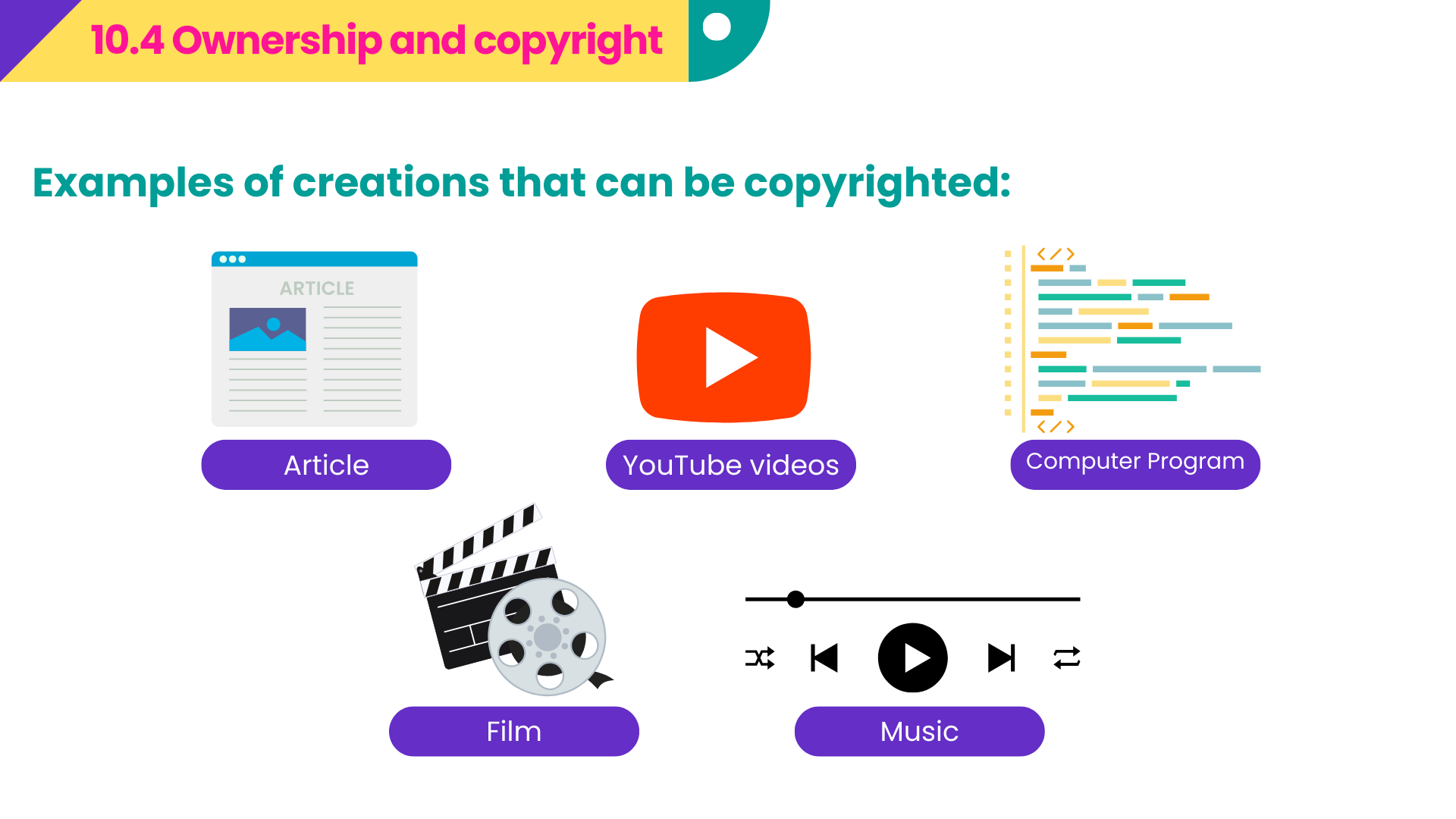

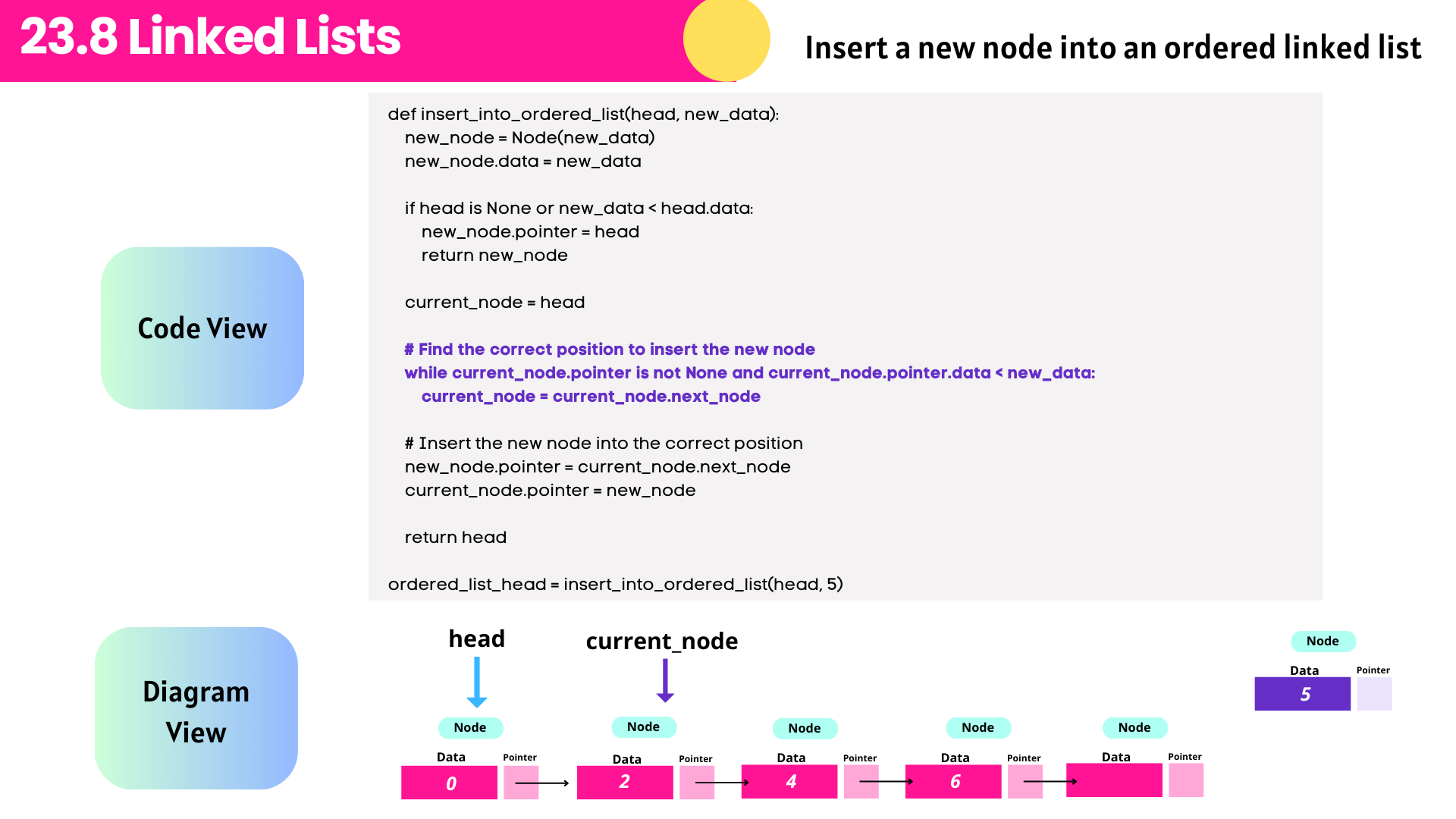



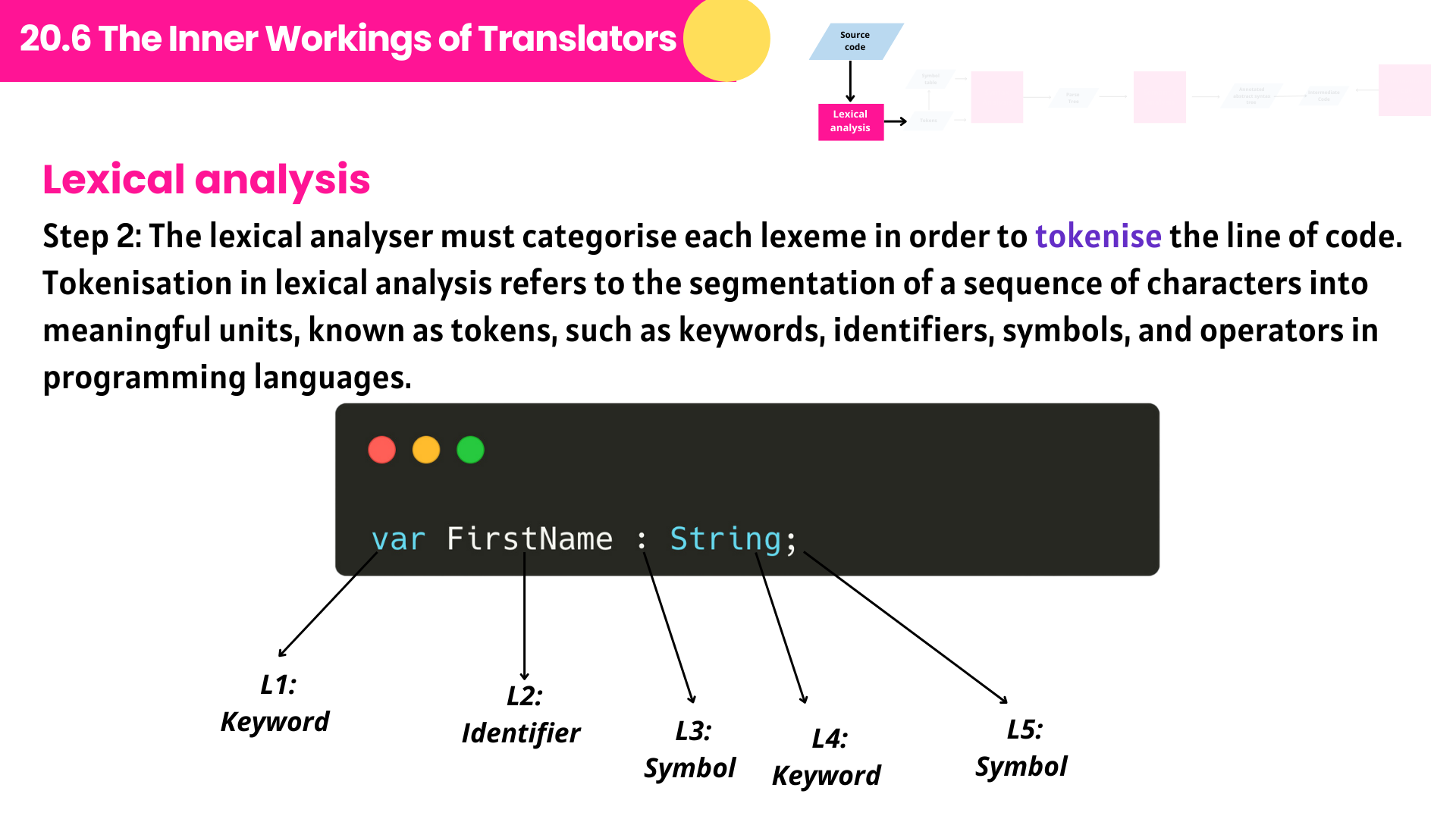

Wait — did you say free bonuses 🎁?
Free Bonus 1️⃣: Chapter-based Quizlet Flashcards
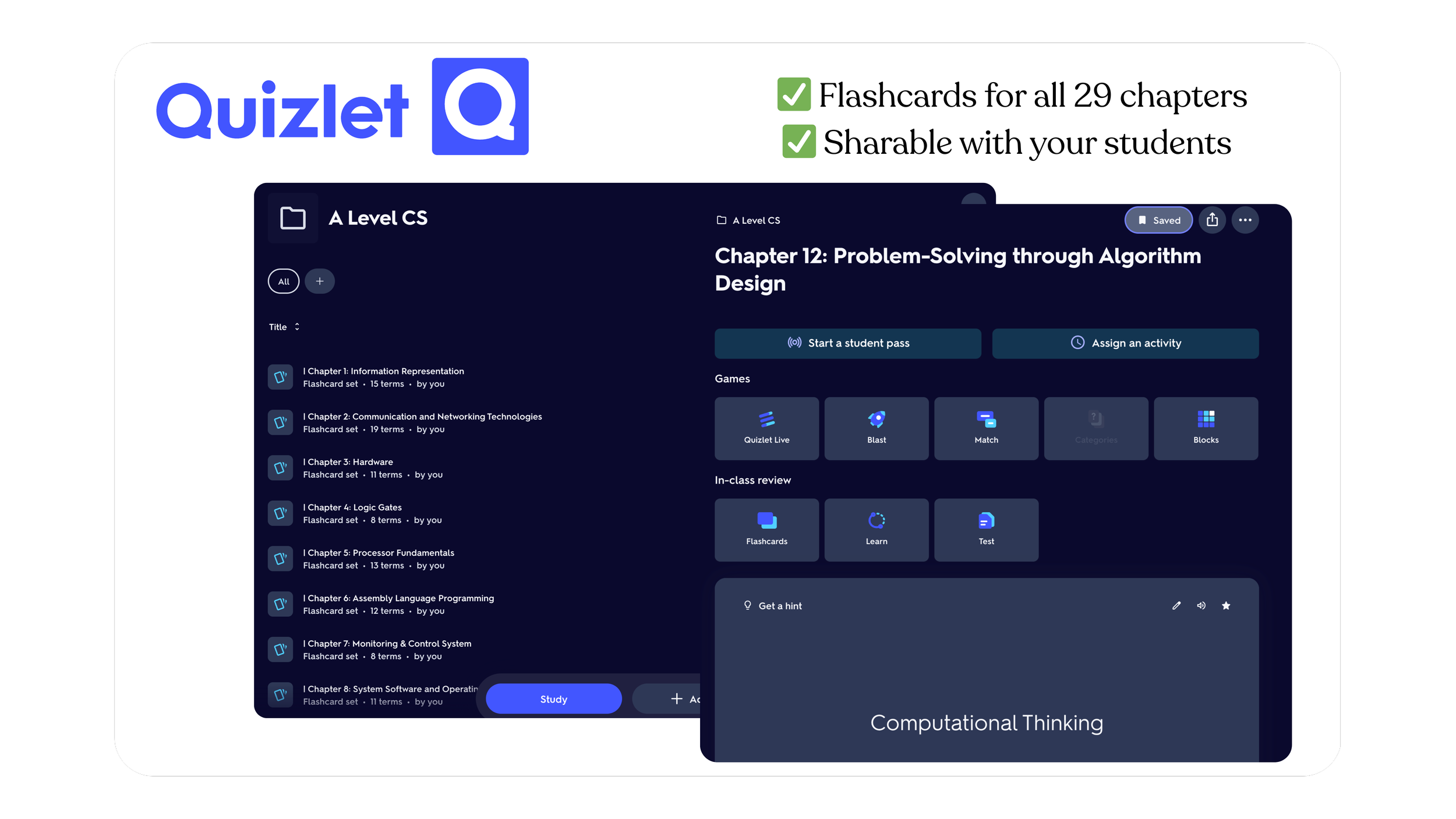
For every chapter, you’ll get access to Quizlet flashcards, organised clearly by topic. You can share the link directly with your students, allowing them to test themselves immediately using flashcards, matching, or quick review modes — with no setup required on your end.
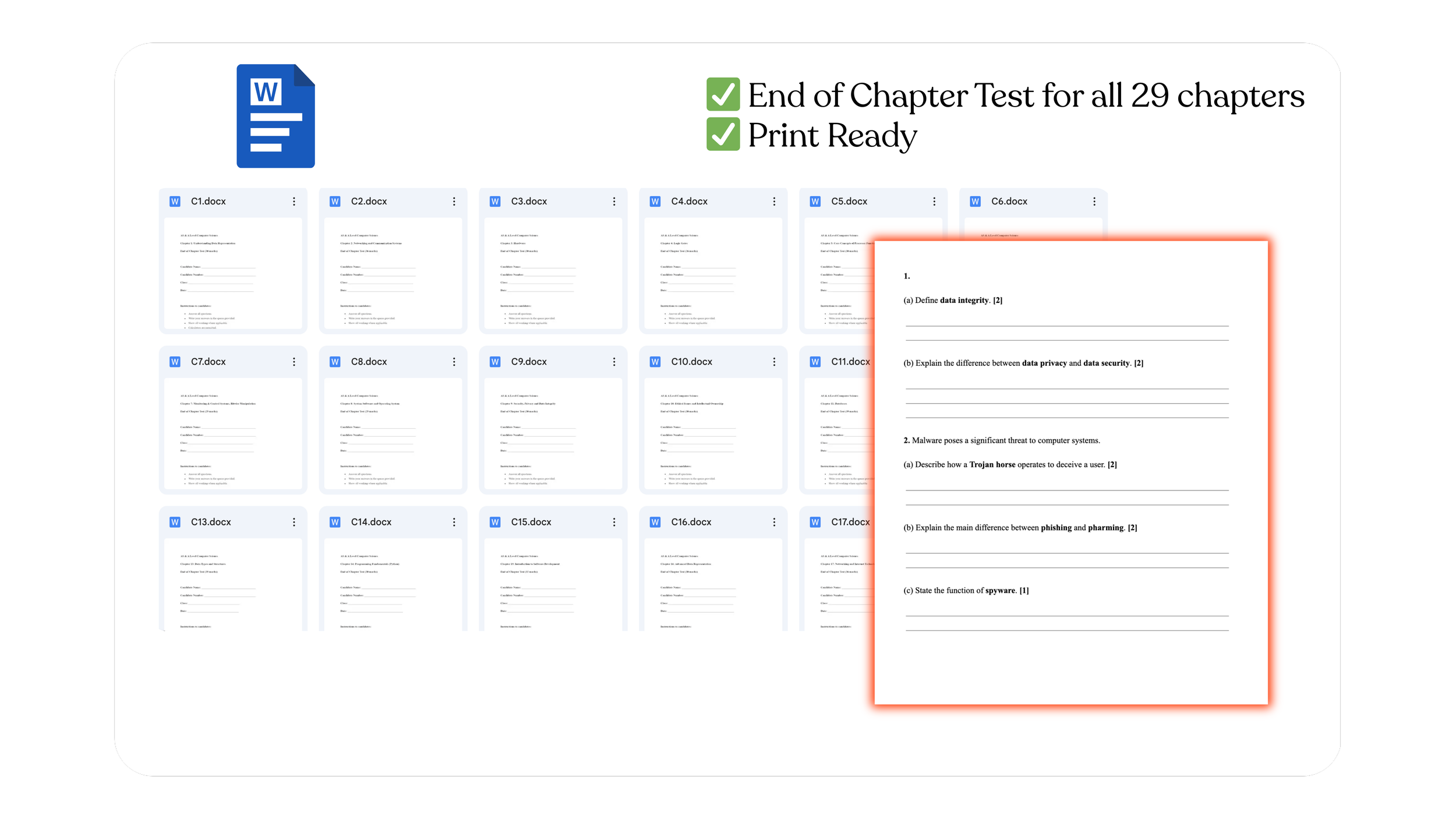
Free Bonus 2️⃣: End-of-Chapter Tests
You’ll also receive a print-ready end-of-chapter test for each chapter, aligned directly with the slide content.
These are useful for checking understanding after teaching a chapter, without needing to create assessment materials from scratch.
Free Bonus 3️⃣: Chapter Companion Handouts
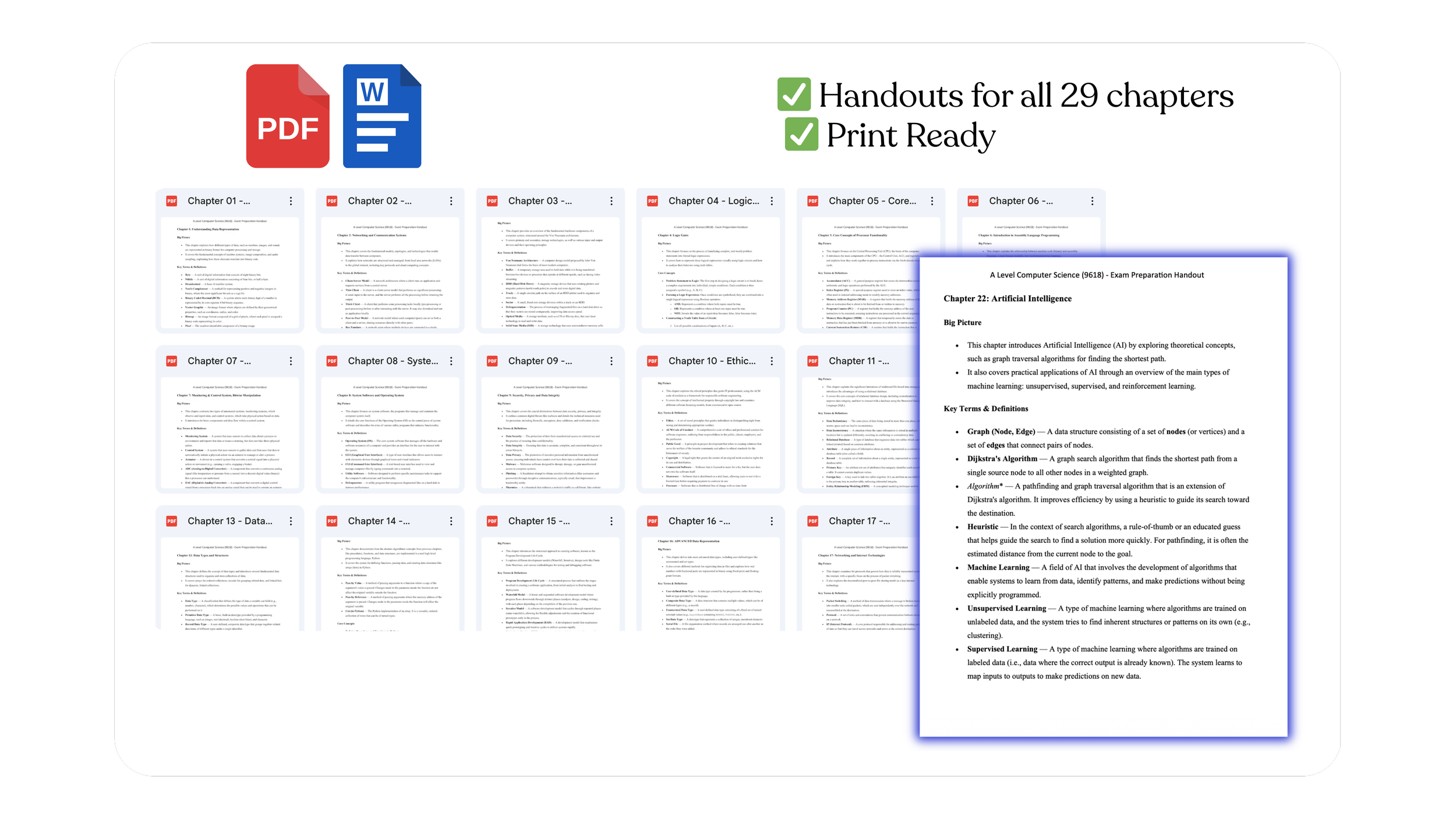
Each chapter includes a ready-to-print handout designed to support student revision.
These handouts summarise key ideas clearly and can be used during lessons or given to students as a revision companion — without needing you to design additional materials.
Free Bonus 4️⃣: YouTube Companion Videos

If you’d like guidance on how the slides can be used in real lessons, you can refer to companion teaching videos on YouTube, where I use these slides to explain concepts step by step.
This gives you a practical reference for pacing, explanations, and lesson flow — especially helpful when teaching a topic for the first time.

Shilpa Chahhan
A Level Computer Science Teacher
Satit Prasarnmit International Programme, Bangkok
“I’ve been using James’s A Level Computer Science slides in my classroom, and they have been extremely helpful in structuring lessons clearly and efficiently. The content is well-organised, syllabus-focused, and explained in a way that students find easy to follow, even for more challenging topics. What I particularly appreciate is the balance between theory and examples, which saves a lot of preparation time while still allowing flexibility to adapt lessons to different student needs. The slides are visually clean, logically sequenced, and aligned well with exam expectations. Overall, these resources are a great support for Computer Science teachers who want clear, reliable, and classroom-ready materials. I would confidently recommend them to other teachers teaching A Level Computer Science.”
Buy Now
⋆
Buy Now ⋆
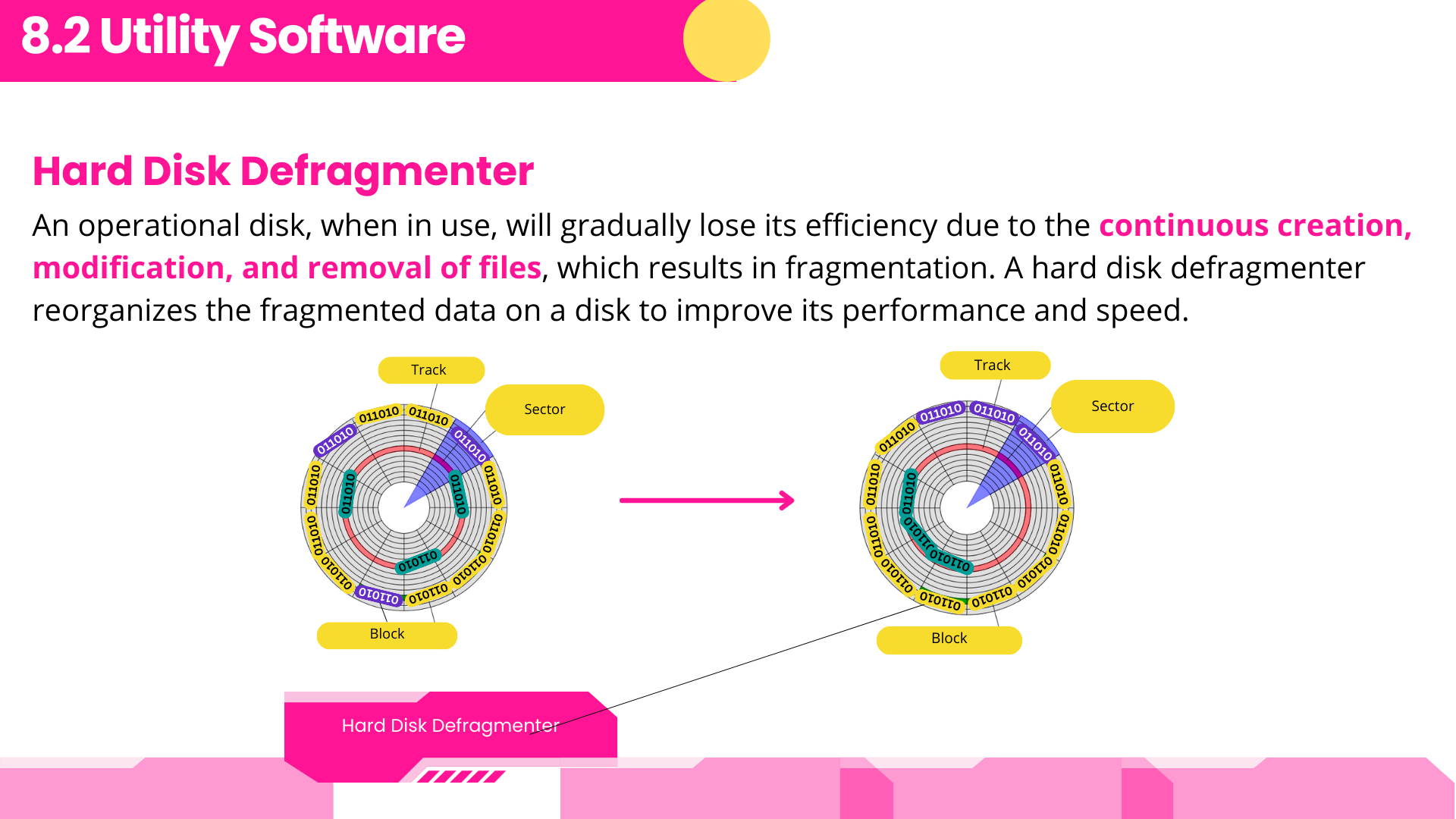
🎨 Designed to support clear teaching!
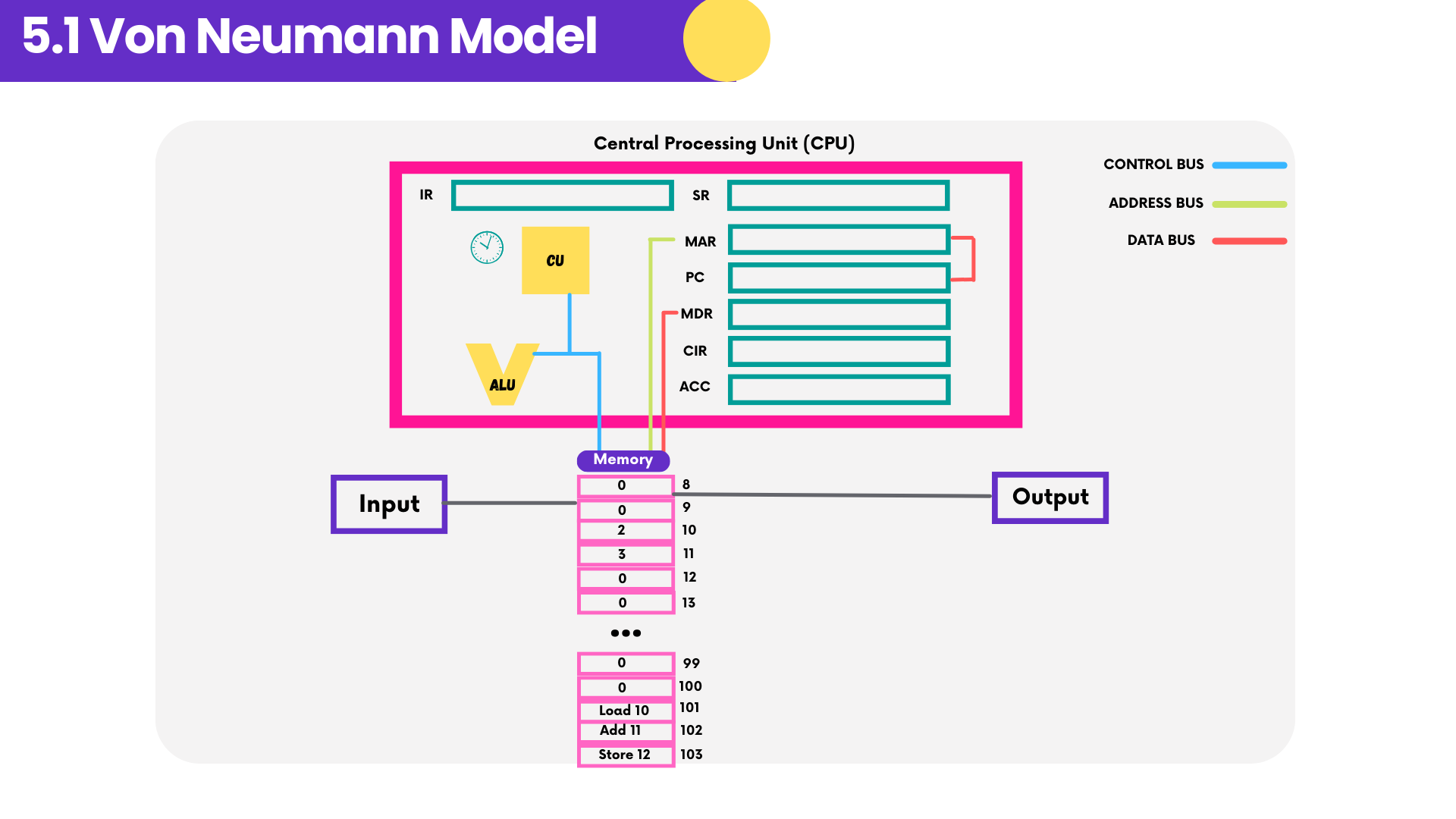
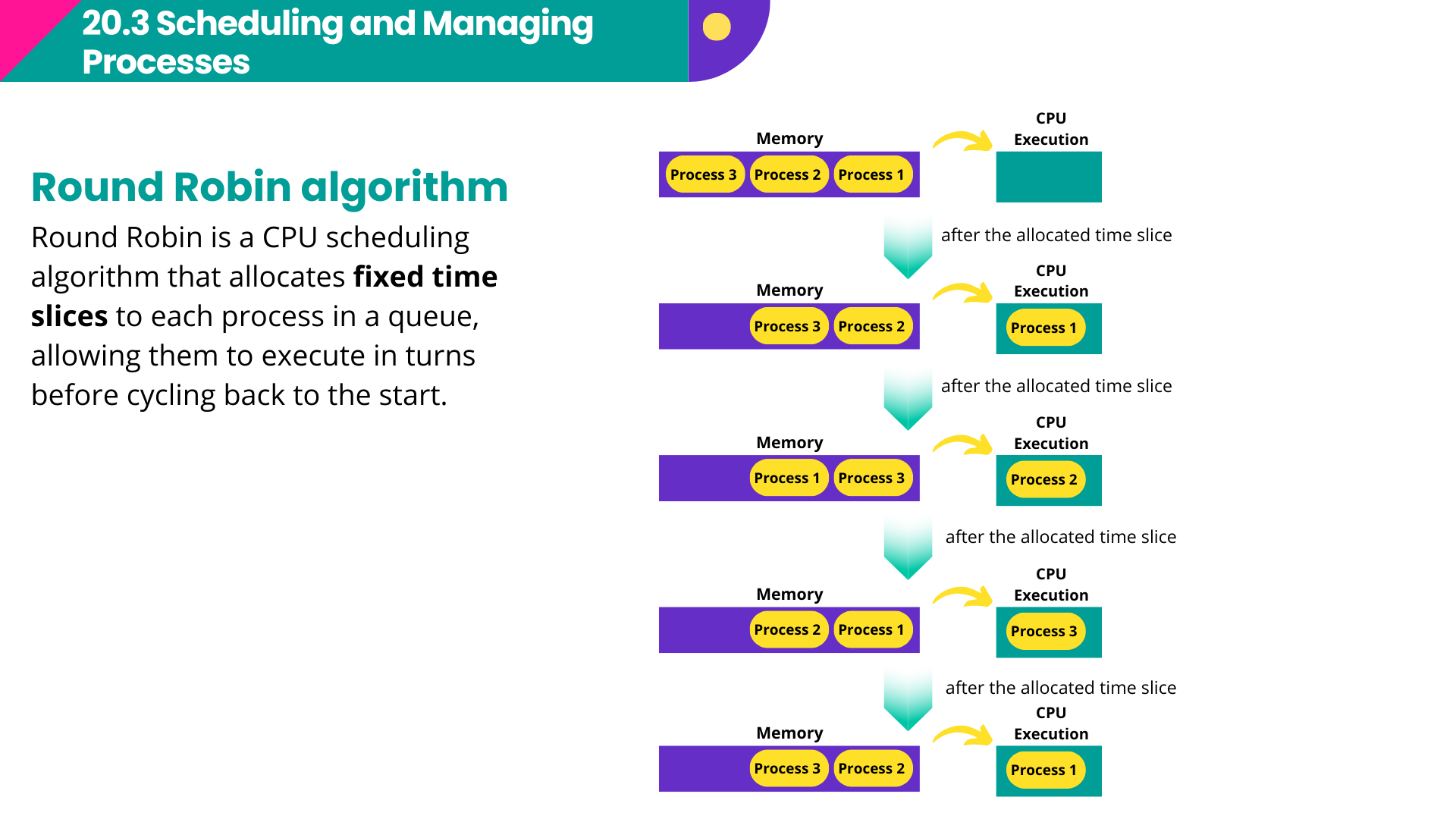
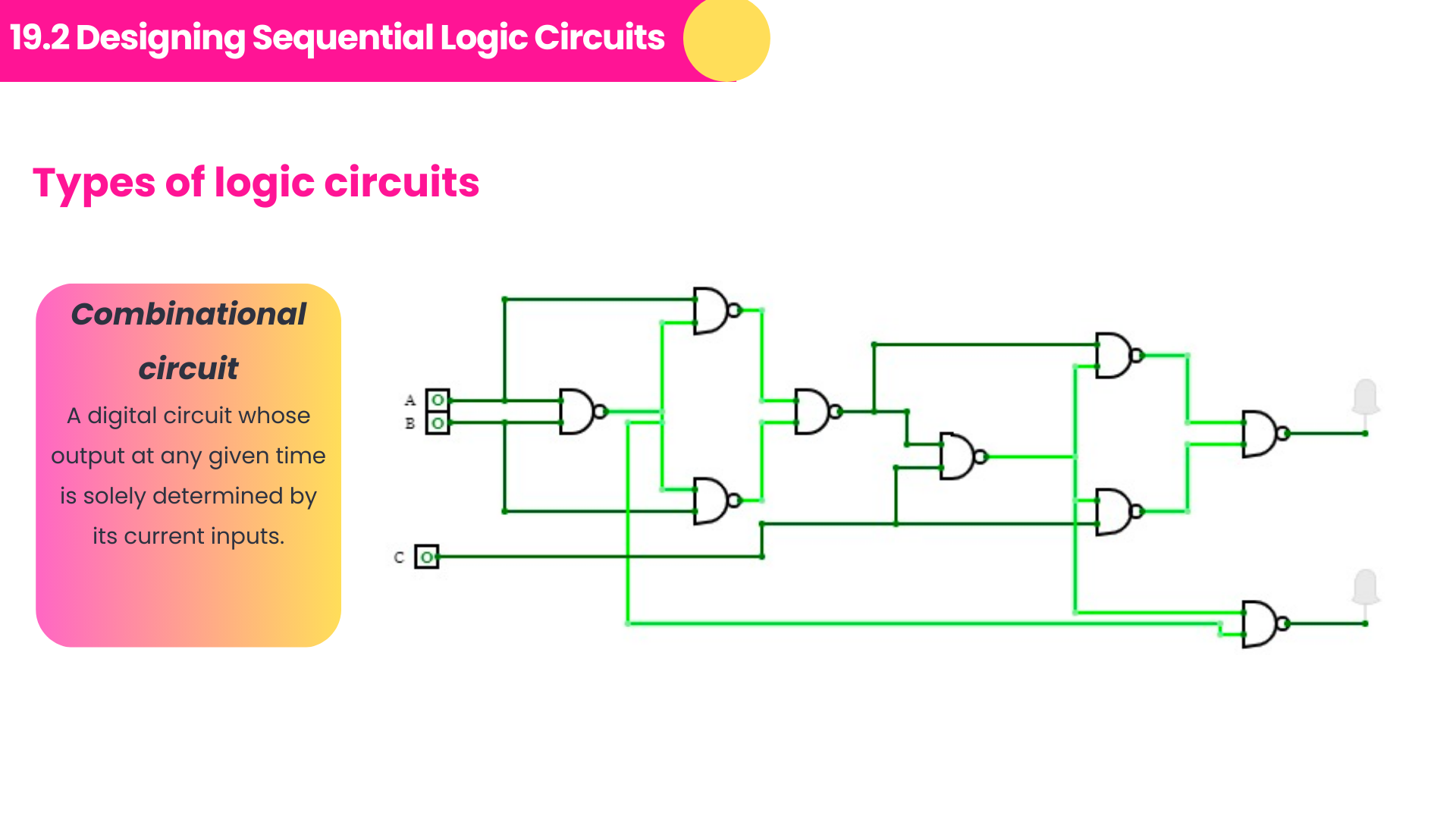
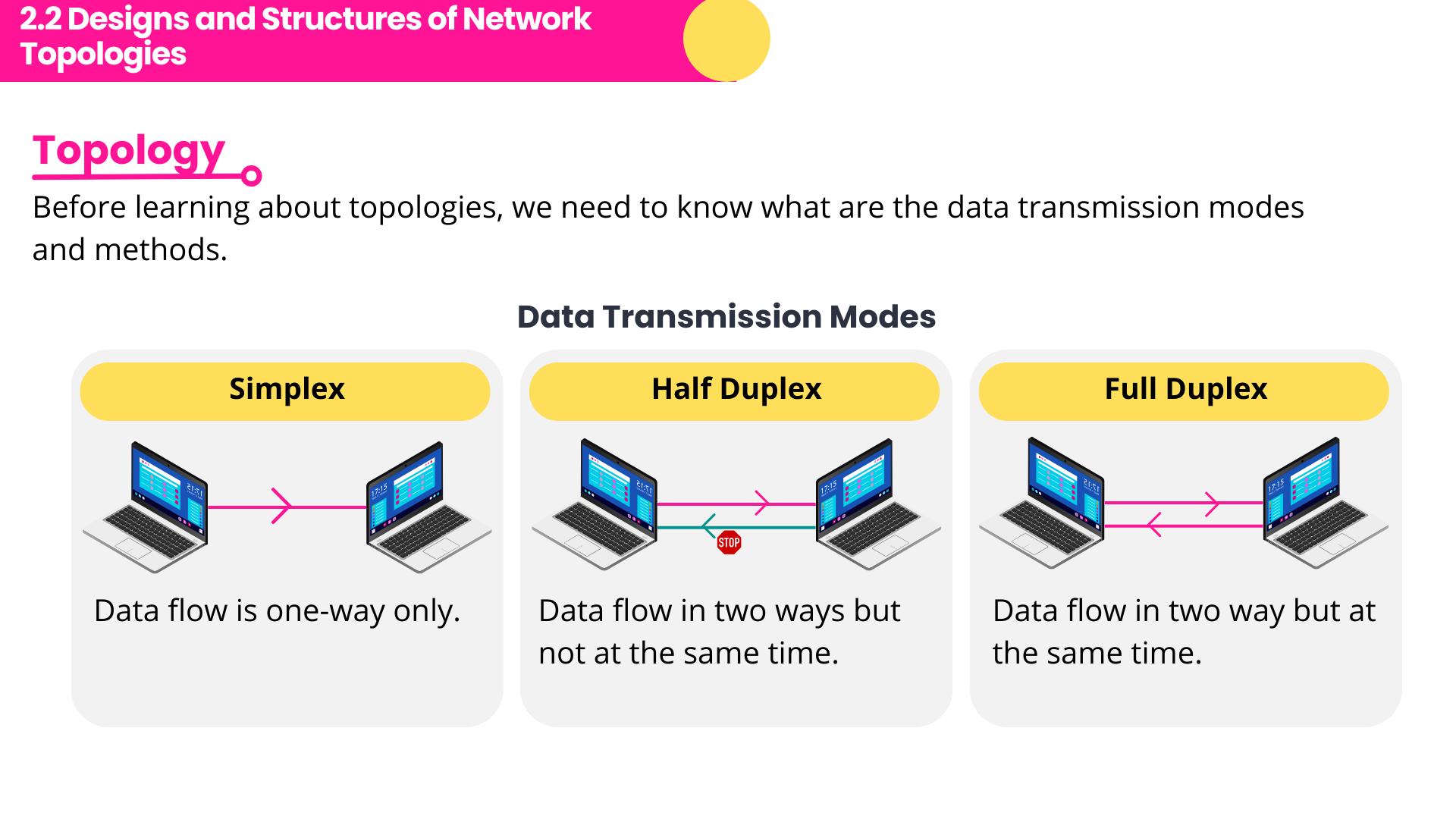
1️⃣ Feature 1: Diagrams are chosen to support explanation, not distract from it
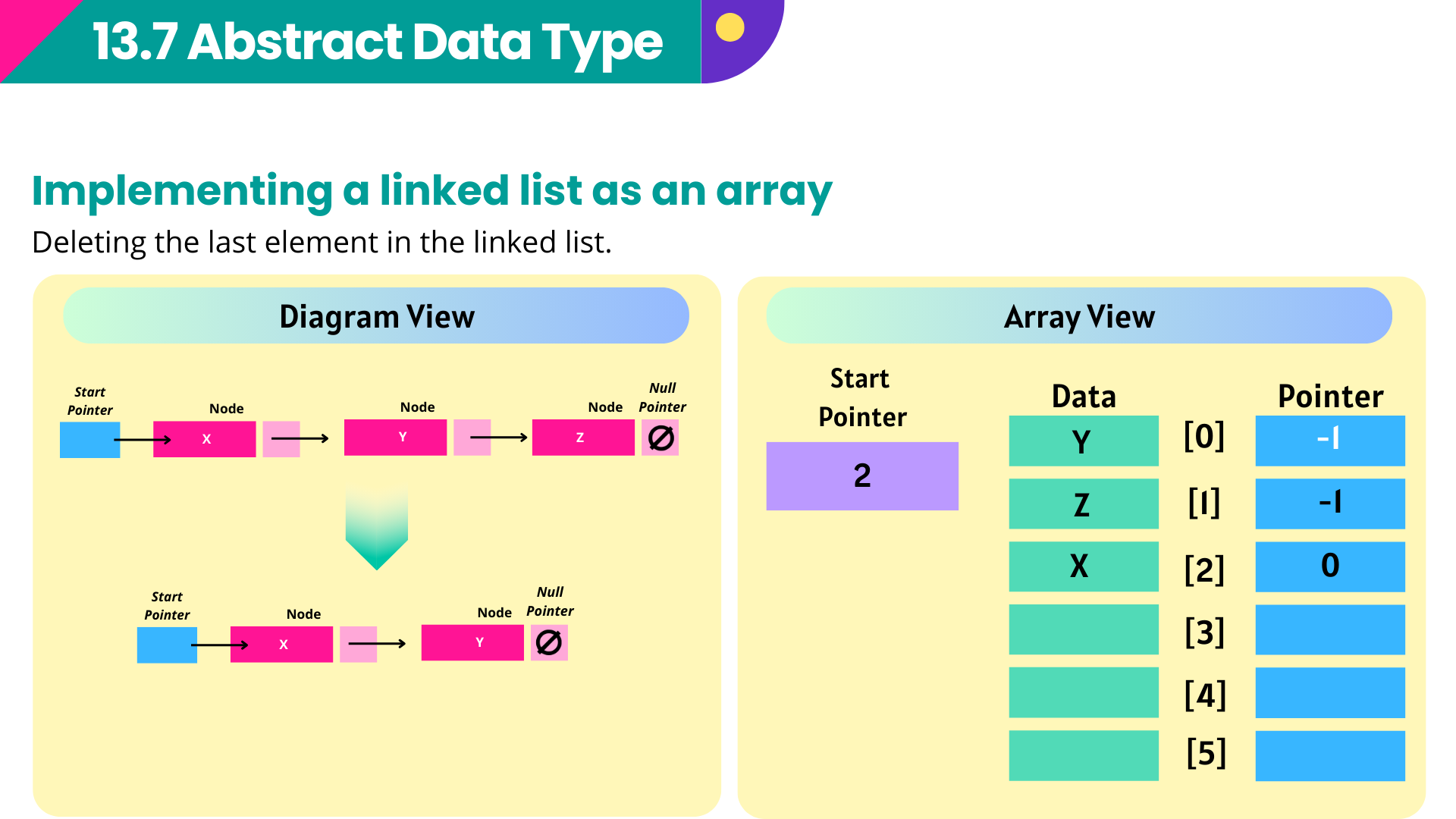
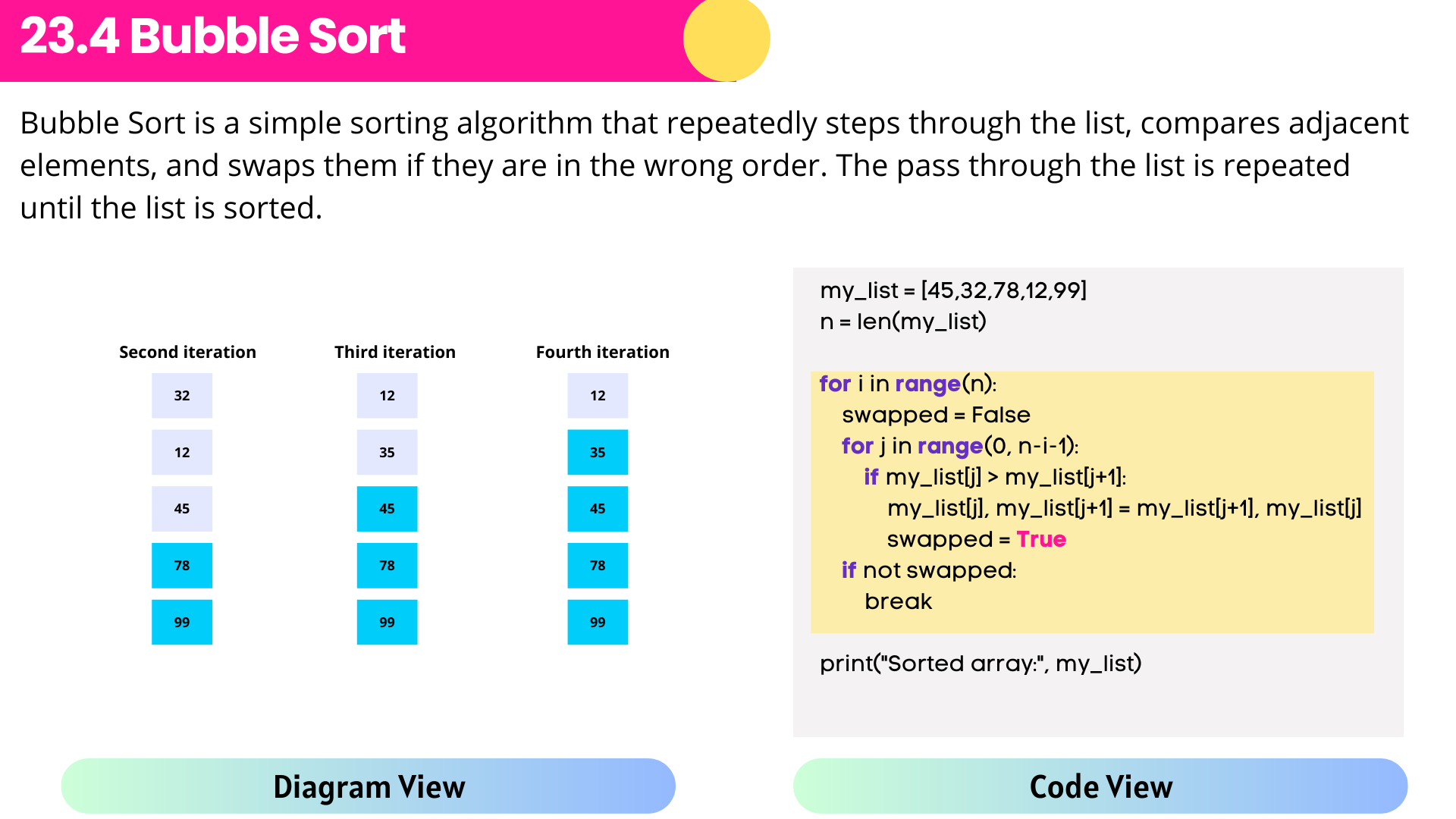
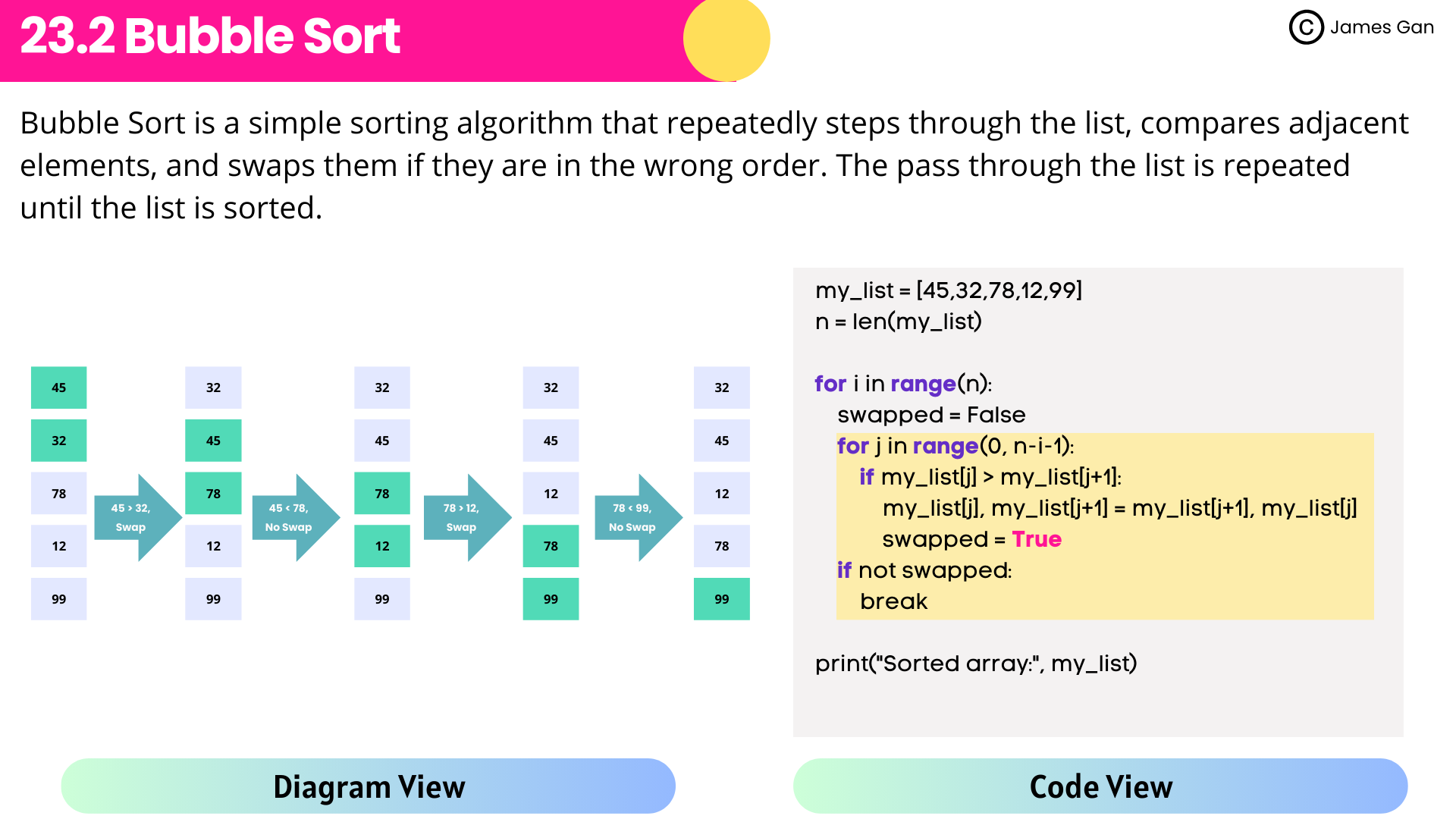
2️⃣ Feature 2: For algorithm slides, the code and diagram are shown side by side for easy comparison.
3️⃣ Feature 3: Subtle animations are used where helpful, to explain processes and changes step by step

Reem Abdelhady
Head of CS/ICT Department
Cairo English School
“I highly recommend James Gan’s A Level Computer Science resources. They’re well-structured, syllabus-aligned, and easy to use. My students are more engaged and confident. Truly a valuable teaching asset!”
Download once. Start teaching immediately.
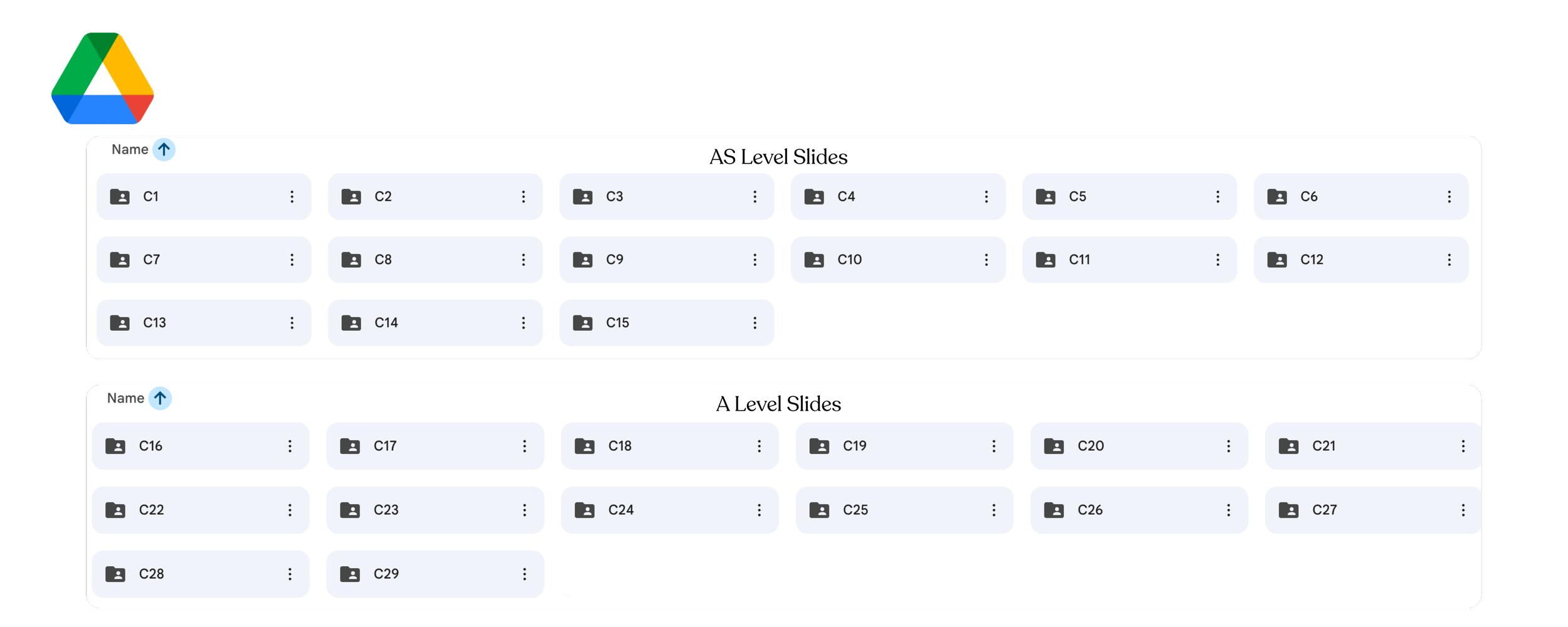
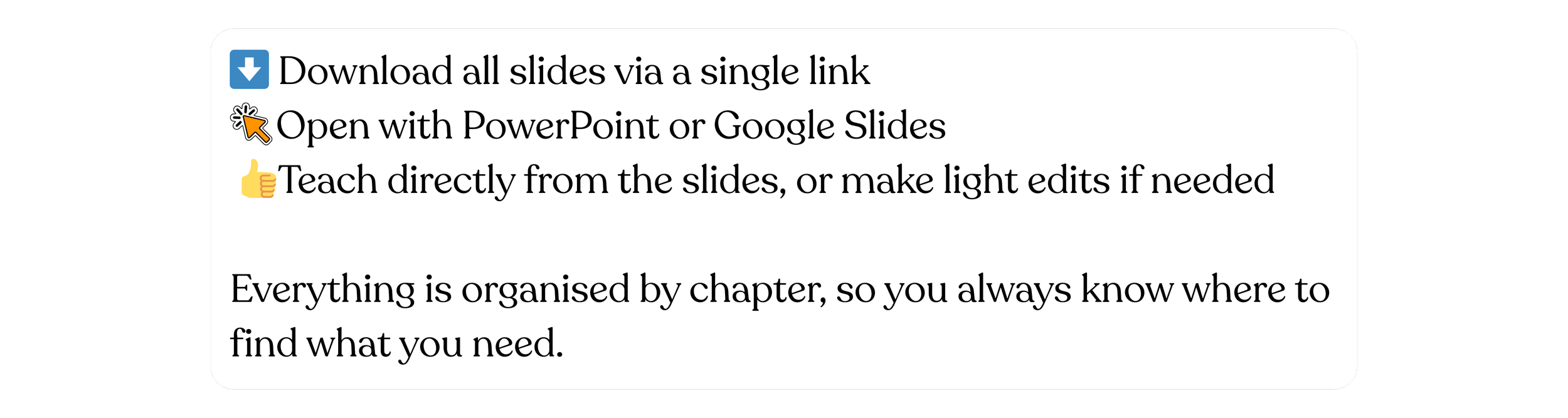
How it works
Praises from educators
-
![]()
Reem Abdelhady
Head of CS/ICT Department
Cairo English School
“I highly recommend James Gan’s A Level Computer Science resources. They’re well-structured, syllabus-aligned, and easy to use. My students are more engaged and confident. Truly a valuable teaching asset!”
-
![]()
Shilpa Chahhan
A Level Computer Science Teacher
Satit Prasarnmit International Programme, Bangkok
“I’ve been using James’s A Level Computer Science slides in my classroom, and they have been extremely helpful in structuring lessons clearly and efficiently. The content is well-organised, syllabus-focused, and explained in a way that students find easy to follow, even for more challenging topics. What I particularly appreciate is the balance between theory and examples, which saves a lot of preparation time while still allowing flexibility to adapt lessons to different student needs. The slides are visually clean, logically sequenced, and aligned well with exam expectations. Overall, these resources are a great support for Computer Science teachers who want clear, reliable, and classroom-ready materials. I would confidently recommend them to other teachers teaching A Level Computer Science.”
-
![]()
Dr Chris Crowe
Head of Computer Science
Harrow School
“A great set of slides which I use for introductory learning for the Cambridge A-Level Computer Science Course Well-structured and colourful, thank you!”
-
![]()
Sergio Eduardo
Computer Science 0478 and Robotics Teacher
Bogotá, Colombia
“When creating resources for my students, time is a big constraint. However, once I bought the slides for Computer Science 0478, I have more time to develop new and more engaging activities for them. The slides are amazing, complete and well-designed. It's important to note that it has many examples and all the topics, subtopics needed to excel at the exam. Your students will love to have a complete and visual guide.”
-
![]()
Marcelo Gallardo
EdTech Coordinator
Barker College, Argentina
“I started teaching IGCSE LEVEL CS a year ago, and the slides and topical questions were a huge help in getting my class up and running. It allowed me to save a lot of prep time so I could focus better on my students’ learning.”
-
![]()
Jaco de Bruin
Teacher
Alma Mater International School, South Africa
“I have been teaching IGCSE Computer Science for the past 3 years at Alma Mater International School. I’ve been using James’s slides for past year, and it has elevated the students experience of the subject, their marks have improved by at least one symbol. This is much appreciated. Many thanks to James“
-
![]()
Erik Pham Viet Thai
Physics & Computer Science Teacher
Nguyen Sieu Cambridge International School, Vietnam
“The IGCSE Computer Science slides curated by James is unparalleled in its depth and clarity, probabily the best I can find at the moment. Really saved me tons of time, and my student also really like his slide and lecture. His video lectures & slides truely save the time spent on class for me & my students, so I can focus on exam prep and hands-on practice.”
-
![]()
Lovejoy Kufa
IGCSE/ A & AS Level Computer Science Teacher
Nattie College Borrowdale Harare, Zimbabwe
“James Gan's computer science slide notes have revolutionised my teaching! Concise and comprehensive, they've empowered my students to grasp complex concepts easily. A must-have resource for every CS educator.“
-
![]()
Elijah Shel
IGCSE/ A & AS Level Computer Science Teacher
Bangkok, Thailand
“I teach both IGCSE and A/AS Levels CS, and these slides are incredibly helpful in my teaching. Honestly, it's quite challenging to find high-quality teaching materials for computer science. Not only is this product very informative, but it also has a visually appealing design that captures my students' attention in class. Each chapter of the course goes along with past paper questions and mark schemes. Thanks to these slides, I can save a lot of time on lesson planning and assessment preparation.”
-
![]()
Zeeshan Shaukat
IGCSE and A Level Computer Science Teacher
Shanghai, P.R China.
“As a teacher of IGCSE and A Level Computer Science courses, I am always on the lookout for resources that can effectively support my students' learning journey. The slides have proven to be an invaluable asset in my classroom. The clarity and organization of the content have significantly enhanced my teaching materials, making it easier for students to grasp complex concepts. One feature that sets the slides apart is the inclusion of topic-wise past year questions. This addition has been instrumental in helping students understand the exam structure and prepare effectively for assessments.”
-
![]()
Sneha Arya
A Level Computer Science Teacher
AP Guru, India
“The A level slides were really helpful. My students are able to understand the content in a fun, interactive manner.”
-
![]()
Kai Zhi
A Levels Computer Science Private Tutor
“Beautiful notes! My students love it! Animations make explaining dynamic concepts easier!”
-
![]()
M. ALEN KIFEH
A Level Teacher
St Mary's International College
“Following a single day's review of your website's A-level content, my students and I are highly pleased and confident in its exam preparation efficacy.”
-
![]()
Lalin Jayawardena
IGCSE & A Level Teacher
Shenzhen College of International Education
“I’ve used these PowerPoint presentations for IGCSE 0478 and A-Level 9618 for two years without fault. They’re clear, detailed, and align perfectly with the syllabus. My teaching feels more professional, and students love them. I trust them 100%—a fantastic resource for any Computer Science teacher.”
-
![]()
Daniel Spear
IGCSE Teacher
Hawthorn High School
“These resources are great and good to use as a start or even to help cover the whole course. They are nice and clear and also simple to follow along with.”
-
![]()
Arif Mehmood
IGCSE Computer Science Teacher
Bloomfield Hall School Pakistan
“James Gan’s IGCSE / O Level Computer Science slides are clear, well-organized, and fully aligned with the Cambridge syllabus. Complex concepts are explained in a simple and student-friendly manner, making them highly effective for teaching and exam preparation. These slides are a valuable resource for both teachers and students.”
-
![]()
Snowber Humayoun
CS/ IT Teacher
LGS 55 Main, Lahore Pakistan
“The slides are excellent—well designed and highly engaging. They helped me a great deal in delivering lessons in a clear and organized manner. “
-
![]()
TEGUH HENDRA SETIAWAN
A Level CS Teacher
Stella Gracia School Makassar
“Dear James Gan, your works are really helpful for me as a Cambridge 9618 AS/A Level teacher. all the resources from your work are really detail and help me. Thank you so much.”
-
![]()
Donal MacKinnon
Head of Computing
Malvern College Egypt
“James’s carefully crafted slides provide an excellent backdrop and point of focus for my lessons. They are well-presented, and the students find them engaging, easy to follow, and perfectly aligned with the curriculum. If you are looking for high-quality resources, I couldn’t recommend James’s slides more highly.“















Buy Now
⋆
Buy Now ⋆
FAQs
-
Absolutely! You'll receive two versions of the slides: editable and non-editable. This flexibility allows you to tailor the design to perfectly align with your unique teaching style and preferences.
-
The reason I decide to make 2 different editions is because some of the beautiful font and image cannot be preserved once it is converted from Canva to PowerPoint. To ensure you are receiving highest quality slides, I downloaded all my design as .png file and put them into the slides. This is why some of the beautiful slides are not editable as they are all in .png format. However, if you wish to add your own elements into the slide, you can still use the editable version.
-
Certainly! Explore our YouTube channel for comprehensive tutorials showcasing how to leverage our slides to explain various concepts effectively. These videos serve as valuable resources to guide you through the process and maximize the impact of our materials in your classroom.
-
You can utilise our slides with ease using either Microsoft PowerPoint or Google Slides. Both platforms offer seamless compatibility, ensuring smooth integration into your teaching workflow.
-
Yes, we're here to help! Should you encounter any difficulties with downloading or using our slides or videos, simply reach out to us via email (leongyi4@gmail.com). We're committed to providing prompt and reliable support to ensure your experience with our materials is as smooth as possible.
-
No, there are no hidden costs. Rest assured that all our instructional materials are accessible to you at no extra charge. Additionally, by sharing your email with us, you'll stay updated with any future revisions or updates—all provided to you free of charge.
-
We prioritise staying current with educational standards and innovations. Our slide designs and instructional videos receive updates approximately once a year, coinciding with syllabus changes. Additionally, we conduct quarterly reviews to address any errors or implement improvements, ensuring that our materials remain relevant and effective for your teaching needs.